Line Callout 2: User Buttons
Line Callout 2: 3D Tool Path Viewer
Line Callout 3: Edit Window for the Current File
Line Callout 3: Interpret/Execute GCode beginning from Current Program Pointer
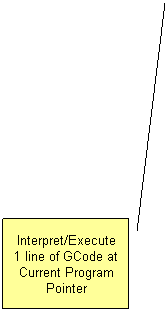
Line Callout 3: Interpret/Execute 1 line of GCode at Current Program Pointer
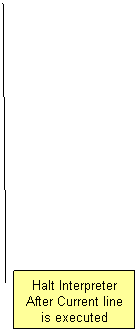
Line Callout 3: Halt Interpreter After Current line is executed
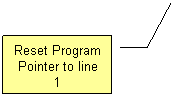
Line Callout 3: Reset Program Pointer to line 1
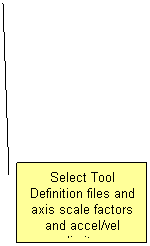
Line Callout 2: Select Tool Definition files and axis scale factors and accel/vel limits
Line Callout 2: Quickly select one of 7 GCode Files to Edit or Execute       
(Highlights Green if Currently Executing)
Line Callout 2: Shows Interpreted commands sent to KMotion board
Line Callout 3: Program Pointer Marks Next Line to be Executed


Заметка: нажатием правой кнопки мыши можно вызвать всплывающее меню вырезать/скопировать/вставить, найти/заменить с поддержкой регулярных выражений(англ.).